




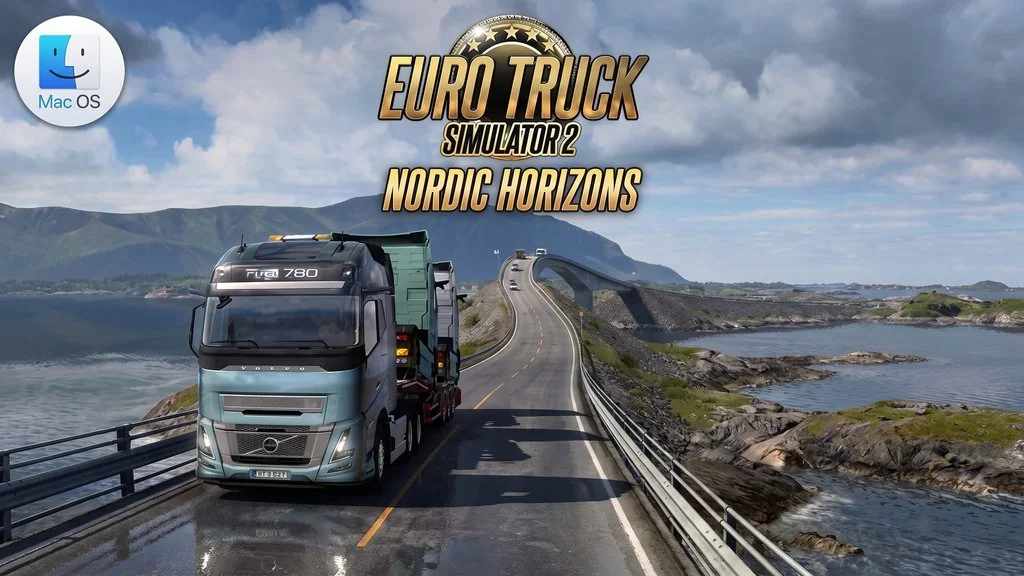
Euro Truck Simulator 2 untuk MacOS (v1.60.1.7s)
This is a truck-driving simulation game where you travel across Europe, between cities and countries, over bridges, and even through mountainous areas. Euro Truck Simulator 2 Mac Full is a simulation game that puts you in the driver’s seat as you deliver cargo from one city to another. You can download the game through the panel I’ve provided below. This version is specifically for Mac users.
ETS 2 already includes the 10 latest DLCs, you can even upgrade your truck, hire drivers, and expand your transport company. The gameplay is simple but highly replayable. You pick up cargo, deliver it to the destination city, earn money, and upgrade your truck.
But the fun part is how huge the map is. It stretches from Spain all the way to Finland.
Download Euro Truck Simulator 2 Mac below. The 39.8 GB file lets you copy the .app straight to Applications and start playing. 👍 If you enjoy other life simulation games, I also recommend trying The Sims 4 MacOS. Its relaxed gameplay can make you lose track of time.
Game Info and Download Link :
- Genre: Indie, Simulation.
- Developer: SCS Software.
- Publisher: SCS Software.
- Release Date: 18 Oct, 2012.
- Game Engine: Prism3D.
- Version: v1.60.1.7s.
- Copy the .app to Applications and play. Single-player.
Includes 10 DLCs: Bobcat Cargo Pack, Nordic Horizons, Forest Machinery, Greece, Farm Machinery, West Balkans, DAF XG/XG+, Wielton Trailer Pack, Volvo Construction Equipment, Iberia.
Minimum System Requirements (MacOS) :
| Component | Minimum | Recommended |
|---|---|---|
| Operating System | macOS Monterey (12) | macOS Sonoma (14) or later |
| Processor | Apple M1 / Intel Core i5 Quad-Core | Apple M2 or later |
| RAM | 8 GB | 16 GB |
| Graphics Card | Apple M1 GPU / AMD Radeon Pro 560X | Apple M2 GPU or later |
| Storage | 30 GB SSD | 40 GB SSD |
Gameplay Screenshots :


Steps to Install ETS 2 on Your Mac :
- Download the ETS2v16017.zip file (39.8 GB) from the link below.
- Extract the ZIP file.
- Copy Euro Truck Simulator 2.app to the Applications folder.
- Once copying is complete, launch the game from Launchpad.
IMPORTANT: Euro Truck Simulator 2 needs Rosetta 2 on Apple Silicon Mac Device.
Fixing Game Errors, Crashes, and Freezes :
- Low FPS on a Mac with an M-series processor? Switch to Vulkan: open
~/Library/Application Support/Euro Truck Simulator 2/config.cfg, finduset r_device "gl"and change it touset r_device "vk". Also setuset r_buffer_page_size "30". Save and restart the game. - Does the game close immediately and redirect you to Steam? Right-click the game, choose “Show Package Contents”, then launch it from Contents/MacOS/Load. Terminal will open and the game will launch automatically. Don’t forget to close Steam on your Mac.
- Low FPS on an M Pro CPU? Edit config.cfg and change
uset r_buffer_page_size "10"to"30". This controls the game’s memory allocation. It may help stabilize performance at 60-70 FPS. - … Reserved for other cases …
