




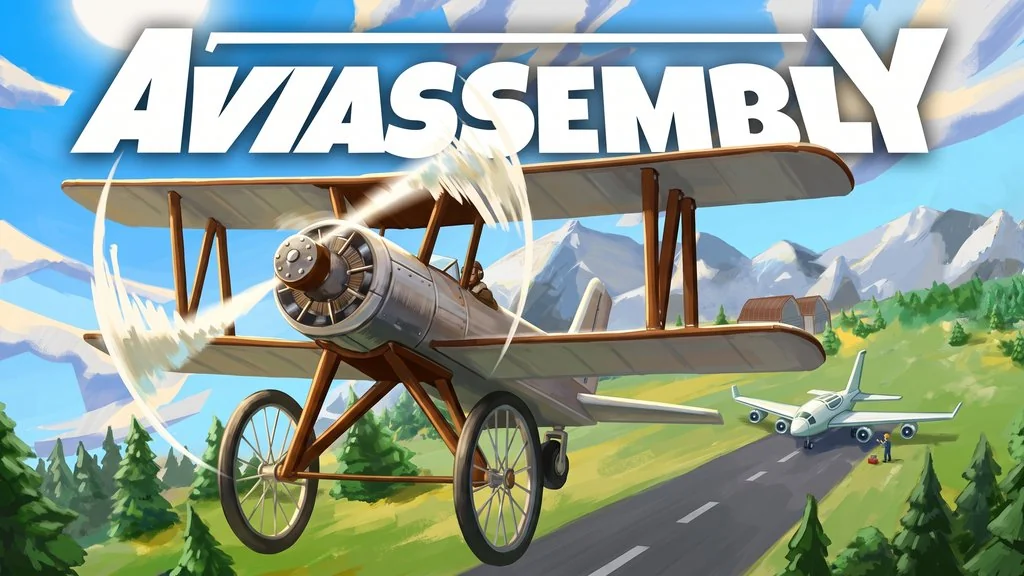
Aviassembly (Build 25037343)
Ever thought about assembling your own aircraft from scratch, then flying it yourself? In Aviassembly PC Full (Build 25037343) all of that is possible. Created by a solo developer named Jelle Booij, this is an open world flight sim game to assemble planes, transport cargo, explore regions. The file is only 240 MB and I’ve shared the game download link in the panel below. 🔥
The gameplay is quite simple. Assemble aircraft, balance fuel, weight, speed, and cargo space. Each component has an effect, so our choices determine how the vehicle will flies. If the balancing is good, then its a perfect flight. Otherwise, well… you might crash.
Released April 11, 2025, still in Early Access. Rating is Overwhelmingly Positive from thousands of reviews on Steam, and that is deserved. I personally played this for hours trying weird plane designs.
But the main story is extremely short, 7 to 10 hours and you done. I think the main story of Universe Sandbox. is much longer than this game. Visually, this game is very similar to Revenge of the Savage Planet. Cartoony, and need a superb creativity to finish the game.
Do you want to play this game? Go, download Aviassembly game installer now to try it. 👍
Game Info and Download Links :
- Genre: Simulation, Early Access
- Developer: Jelle Booij
- Publisher: Jelle Booij
- Release Date: April 11, 2025
- Version: Build 25037343
- Pre-Installed, ready to play. Single-player.
Minimum System Requirements :
| Component | Minimum |
|---|---|
| Operating System | Windows 10 |
| Processor | Intel Core i5 4460 3.20 GHz or equivalent |
| RAM | 4 GB |
| Graphics Card | Nvidia GeForce GTX 970 or equivalent |
| DirectX | Version 11 |
| Storage | 300 MB available |
PC Gameplay Screenshots :


Steps to Install Aviassembly on Your PC :
- Download the AVIA250.rar file (242.31 MB) via the link below.
- Extract the file with password www.yasir252.com.
- Run Start The Game.bat or Aviassembly.exe.
- Play directly. Enjoy!
Troubleshooting Game Error, Crash and Stuck :
- Game crash on startup? Make sure the game folder is whitelisted in Windows Defender.
- Crash during loading? Update DirectX Runtime and the latest Visual C++ Redistributable.
- Game will not open? Run as Administrator and update Windows to the latest version.
- Stuttering and lag? Update VGA driver and turn off V-Sync.
- Loading into the game takes a while. Be patient, just wait.
- Always extract the game on a Root Drive. For example at C:\Games\ or D:\Games\
- … Reserved for other cases …
