




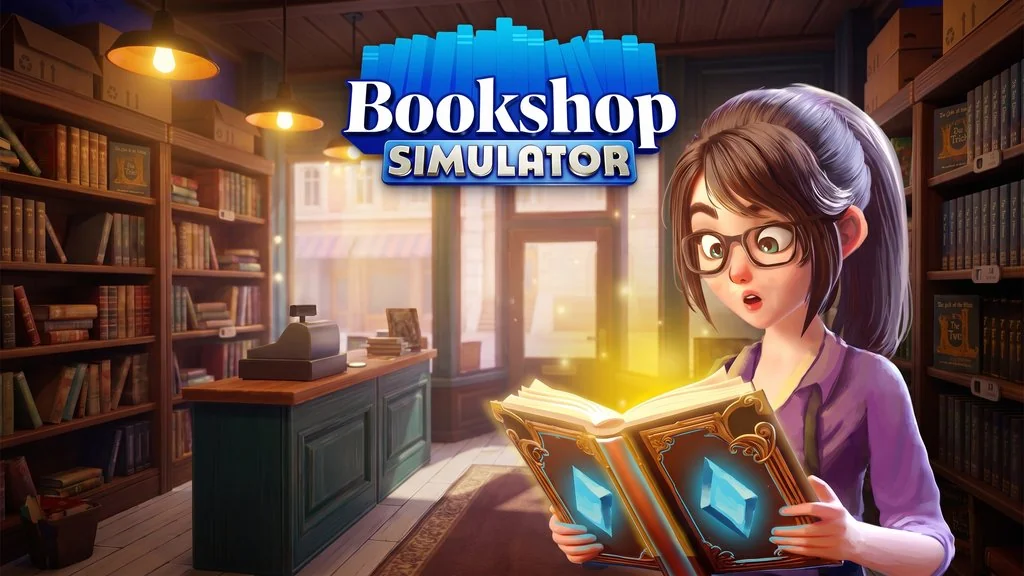
Bookshop Simulator (v1.2.1262 Build 25948618)
Bookshop Simulator Full is game about opening your own bookstore, stocking the shelves, serving customers, and growing the business from scratch. It has plenty of missions and varied content. It’s pre-installed, so just extract and play. The download link is below. 🔥
Released by Blep Games, I initially thought this would be another “slop” trying to ride the recent success of simulation games. But once I tried it, it turned out to be not bad at all. There are collectible rare books, and you can adopt a cat to keep you company in the shop.
Later, you can hire staff, decorate the interior, and even open another branch in a different city. But honestly, when customers flood in during peak hours, the frame rate drops immediately.
The AI pathfinding can also get weird, with customers piling up and bumping into each other.
If you enjoy business sims, check out Supermarket Simulator. For a more magical theme, you could also try Librarian: Tidy Up the Arcane Library!, which is fun too.
Go ahead and download the game below, it’s small too, only 2.6 GB. 👍
Game Info and Download Link :
- Genre: Action, Adventure, RPG, Simulation, Sports.
- Developer: Blep Games.
- Publisher: Blep Games.
- Release Date: 21 Jul, 2026. Early Access: 16 Sep, 2025.
- Build: 25948618.
- Pre-Installed, just extract and start playing.
- Bookshop simulation with layout and management systems.
Computer Specifications Table :
| Component | Minimum | Recommended |
|---|---|---|
| Operating System | Windows 10 64-bit | Windows 11 64-bit |
| Processor | Intel i5 3550 / AMD Ryzen 5 2600 | Intel i7 9700 / AMD Ryzen 7 3700X |
| RAM | 8 GB | 8 GB |
| Graphics Card | NVIDIA GTX 1060 / AMD RX 580 | NVIDIA GTX 1070 / AMD Vega 56 |
| DirectX | Version 11 | Version 11 |
| Storage | 10 GB | 10 GB |
PC Gameplay Screenshots :


Steps to Install Bookshop Simulator on Your PC :
- Download the BOOKv1262.rar file (2.6 GB) through the link below.
- Extract the file using WinRAR or 7-Zip.
- Open the Bookshop Simulator.exe file.
- That’s it, start playing! 😍
Troubleshooting Game Errors, Crashes, and Freezes :
- Game crashes on startup? Make sure no game files were deleted or quarantined by your antivirus.
- Game won’t launch? Run it as Administrator.
- Missing DLL or another error? Install Visual C++ Redistributable and DirectX Runtime.
- Controller not detected? Plug in the controller before opening the game, or use Steam Input.
- … Reserved for other cases …
