




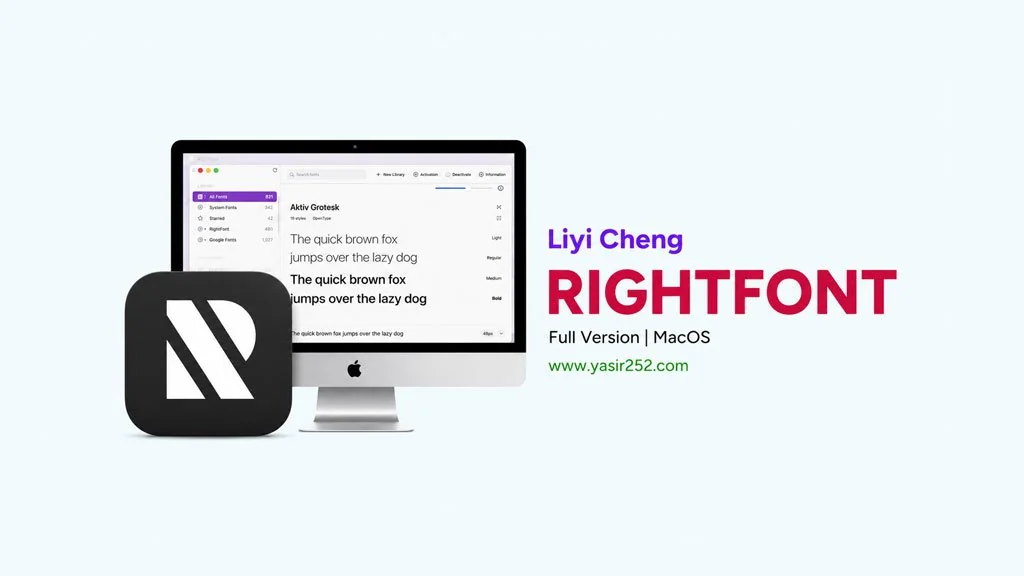
RightFont v10.2.1 (MacOS)
If you often switch fonts for design projects on Mac, you probably know how annoying it is to activate and deactivate fonts one by one. RightFont Full for MacOS can solve that problem, it sits in the menu bar, so you can access it anytime. I can activate, and organize fonts without restarting Photoshop or Illustrator.
There is also an auto-activate feature that makes fonts appear automatically when you open a specific project.
What I like most is the font sharing for teams. Everyone on the team can use the same fonts without installing them manually. The interface is clean and not confusing. It also supports Google Fonts and Adobe Fonts, so you can search for and install fonts directly from the app.
There is also a menu for managing SkyFonts and Monotype Library.
That gives me even more flexibility in choosing your fonts.
But RightFont is really more focused on managing fonts on Mac. If you need a font editor to create your own fonts, FontLab is also worth trying. I have made my own font in FontLab before, and it was pretty easy. You can then install that font through RightFont.
Go ahead and download it below. It is only 18 MB, so it is very lightweight.👍
New Features and Download Links :
- Auto-activate fonts when opening projects in Photoshop, Illustrator, or Sketch.
- Preview fonts directly from the menu bar.
- Organize fonts into collections based on projects or categories.
- Support for Google Fonts and Adobe Fonts integration.
- Search fonts by name, style, or classification.
- Export font lists to PDF or CSV.
- Very lightweight at only 18 MB, with minimal impact on Mac resources.
User Interface Preview :

Steps to Install RightFont on MacOS :
- Download RFNT1021mac-yasir252.zip (18 MB) from the link below.
- Extract the ZIP on your Mac. No password is required.
- Open Setup/RightFont 10.2.1 [TNT].dmg and mount it.
- Inside the image, open Manual install and mount RightFont 10.2.1 [TNT].dmg.
- Copy the app to your Applications folder.
- If macOS blocks the app, choose Open Anyway or follow the Gatekeeper instructions.
- The app is ready to use! 😍
VERY IMPORTANT: You should learn how to install apps from outside the App Store. Use the Enable Kernel Extensions method, Disable SIP and turn off Gatekeeper on Mac. So if you encounter a “damaged” problem or something else, the file is not necessarily wrong! Your MacOS not unlocked for external apps yet.
