


Download RAR Extractor macOS Full Version v16.0
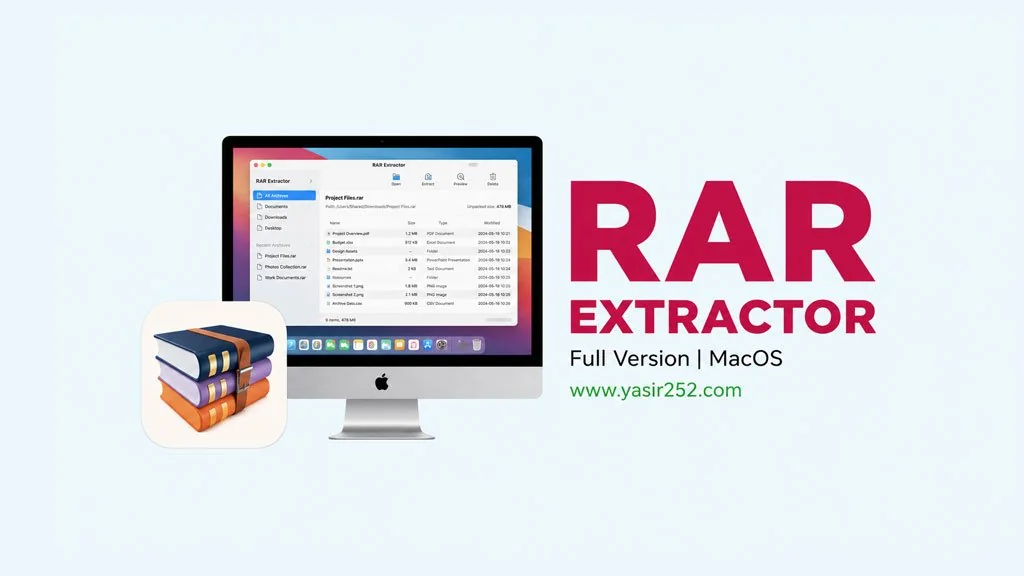
Do you often download RAR or ZIP files, but.. how to open it on Mac? 😅 Well, that’s common. The best solution to this problem is RAR Extractor v16.0 Full Version. It is the lightest compression and extraction software for macOS. And it also capable of opening more than 50 different file formats. Download RAR Extractor directly from this article. Full version with no limitations. 🔥
From common formats like RAR, ZIP, 7z, and ISO to older legacy formats like ACE and ARJ, this tool handles them all. Not just basic extraction, you can preview archive contents before extracting, use Quick Look to inspect files inside archives, and even drag archive files to your desktop for instant extraction.
On the App Store, many users are highly satisfied with this program. The interface also supports Indonesian, French, Brazilian Portuguese, and Russian languages. The software also supports AES256 encryption for ZIP and 7Z archives, so you can password protect your files.
For those who usually use WinZip (MacOS) or Smart Zipper Pro (MacOS), RAR Extractor offers a lighter, more focused extraction experience without unnecessary bloat.
Ready to give it a try? Simply scroll down to the download section. Download the DMG, drag the app to your Applications folder and you’re good to go.
What’s New in RAR Extractor for macOS?
- Support for more than 50 compression formats: RAR, ZIP, 7z, ISO, ACE, ARJ, and many more.
- Preview archive contents before extraction.
- Extract specific files or folders from an archive without unpacking everything.
- Batch unpack multiple archives.
- Create ZIP and 7Z archives with AES256 encryption.
- Drag and drop archives onto the desktop for convenient one-click extraction.
- Fixed encoding bugs, with full support for Indonesian and three additional interface languages.
Updated User Interface:

How to Install RAR Extractor on Your Mac:
- Download RAREX160.zip (22 MB) using the link below.
- Extract the zip file on your Mac using the built-in archive utility.
- Open the extracted .dmg disk image file.
- Drag RAR Extractor.app into your Applications folder.
- Bypass Gatekeeper if a security warning appears (see important note below).
- Done! The app is ready to use. 😇
IMPORTANT: You need to learn how to install applications from outside the App Store on macOS. This involves methods such as Enabling Kernel Extensions, Disabling SIP (System Integrity Protection), and turning off Gatekeeper. If you encounter a “damaged” or similar error message, it is not a problem with the file. It simply means your macOS security settings have not been configured to allow third-party installations.
RAR Extractor Mac Free Download (v16.0)
***