




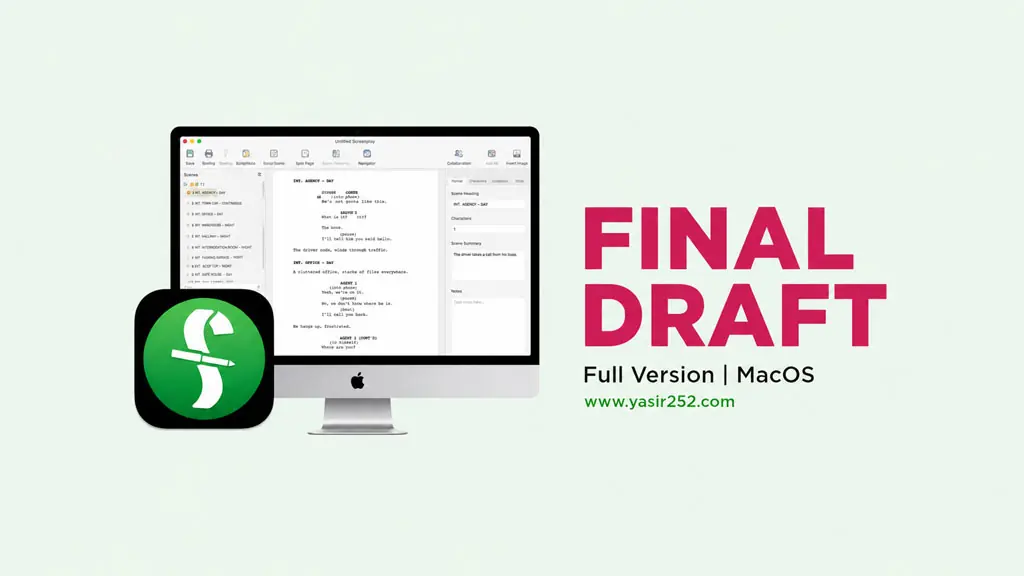
Final Draft 13 macOS (v13.5.0)
Who here loves writing scenarios or screenplays? You must already be familiar with Final Draft. Yes, the most popular screenwriting software among professional Hollywood writers. After a long time without updates, it finally got released folks. And on this page, you can grab the Download Final Draft 13 macOS link, ready to use, easy to install and of course full version.
For those working in the film, TV, or content creation industry, Final Draft 13 is a must-have. Script writing, automatic formatting, and real-time collaboration. Very industry standard. Performance on Apple Silicon is also safe. Especially with the v13.5.0 update, support for M5 and MacOS Tahoe is also secure now.
Speaking of content writing, I also recommend other programs like Scrivener (MacOS) for structured writing. Or EndNote (MacOS) if you need a reference manager for script research.
But what makes this app popular is actually the Beat Board and Index Card features. You know? You probably do not… lol. These features let you write plot outlines visually using digital cards, just drag and drop. After that, you can go straight to script mode.
Just download and install. Mount the DMG, follow the instructions, done. 😉
New Features dan Link Download :
- Beat Board for plot visualization, just drag and drop digital cards.
- Real-time collaboration with your team using Final Draft Cloud.
- ScriptNotes, Track Changes, and Revision Mode for editorial workflow.
- Supports various formats: screenplay, stageplay, TV, graphic novel, novel.
- Apple Silicon Native for M1/M2/M3/M4/M5.
- Flexible Alternate Dialogue and Dual Dialogue for scripts.
- Import and export to Final Draft, PDF, Fountain, FDX and other formats.
- Dictionary and Auto-Complete.
- Report tools for analysis: character, scene, location, word count, etc.
User Interface :

Steps to Install Final Draft 13 on Mac
- Download FDRT1350mac.zip from the link below.
- Extract the zip file with the built-in Mac extractor or Keka.
- Before installing, make sure to disable Mac SIP and Gatekeeper.
(Sometimes you also need to enable Kernel Extension, just Google it if confused.) - Mount the DMG file, then open and follow the installation instructions inside.
- If a security popup appears, go to System Settings > Security & Privacy.
- Click Open Anyway so the installer can run normally without being blocked.
- Done! Recommendation : Microsoft Office 2024 MacOS
