




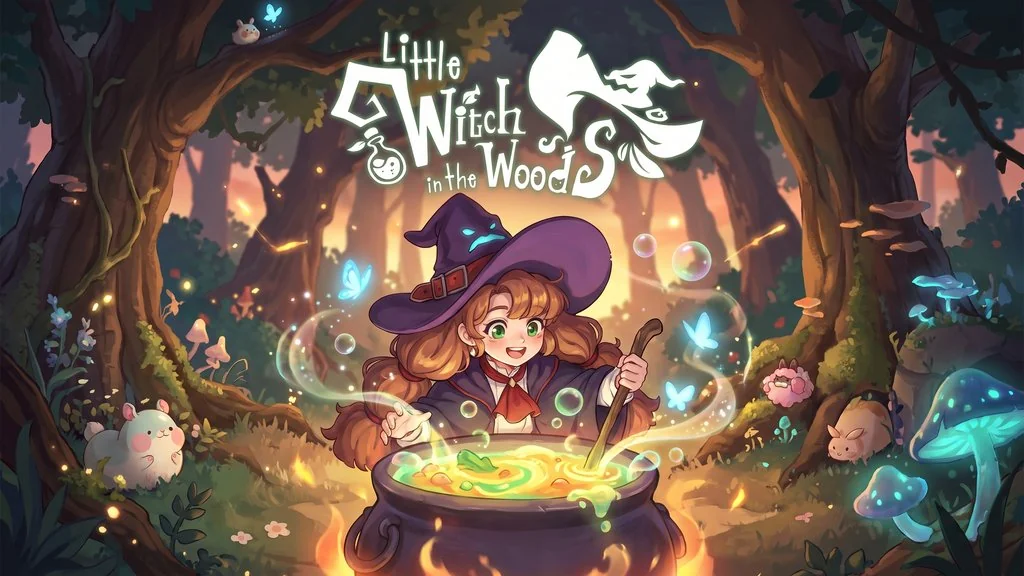
Little Witch in the Woods (v7.4.5.0)
You’re sent to Lucerine Ortu as an apprentice witch named Ellie, to learn how to live on your own in a land of witches. Little Witch in the Woods PC Full is a cozy adventure where you brew potions and help the villagers. I’ve put the pre-installed download link below, so you can just extract it and start playing. 🔥
Fly your broom through the forest and all the way to the lake to meet cute creatures and fill out your Encyclopedia. The materials you gather can be turned into potions to solve problems. Along the way, you’ll uncover hidden treasure and open new paths.
Honestly, I really like the cozy vibe this game offers. It’s a nice fit when you want to unwind after a busy day. Still, this isn’t a game for everyone.
If you like a relaxed and chill game atmosphere, I’ve also shared Doloc Town, where you play a scientist who runs a vertical farm. If you’re more into life sims and helping villagers, try Stardew Valley too.
Download Little Witch in the Woods below; the file is just 546 MB. 👍
Game Info and Download Links :
- Genre: Adventure, Casual, Indie, RPG, Simulation.
- Developer: SUNNY SIDE UP.
- Publisher: SUNNY SIDE UP.
- Release Date: 14 September 2025.
- Version: v7.4.5.0 (Build 26288815).
- Pre-Installed, Direct Download.
- Single-player.
Minimum System Requirements :
| Component | Minimum | Recommended |
|---|---|---|
| Operating System | Windows 10 64-bit | Windows 10 64-bit |
| Processor | Dual Core i5 2.5 GHz | Quad Core 3.0 GHz |
| RAM | 8 GB | 8 GB |
| Graphics Card | NVIDIA GeForce GTX 560 | NVIDIA GeForce GTX 660 |
| DirectX | Version 11 | Version 12 |
| Storage | 2 GB | 4 GB |
PC Gameplay Screenshots :


Steps to Install Little Witch in the Woods on Your PC :
- Download LWIT7450.rar (546 MB) using the links below.
- Extract it with WinRAR or 7-Zip.
(password: www.yasir252.com) - Open the extracted folder and run Start The Game.bat.
- If the game won’t launch, first install the files in the Redist folder.
- Have fun! 😁
Fixing Game Errors, Crashes, and Freezes :
- Check your antivirus and make sure the game folder is whitelisted in Windows Defender.
- Crashes? Update the DirectX Runtime and install Visual C++ Redis
- Game won’t open? Run it as Administrator and update Windows to the latest version.
- Stuttering or choppy gameplay? Update your graphics driver and turn off V-Sync.
- Taking a while to load into the game? Just give it a moment.
- Always extract the game to the root of a drive, such as C:\Games\ or D:\Games\
- … Reserved for other cases …
