




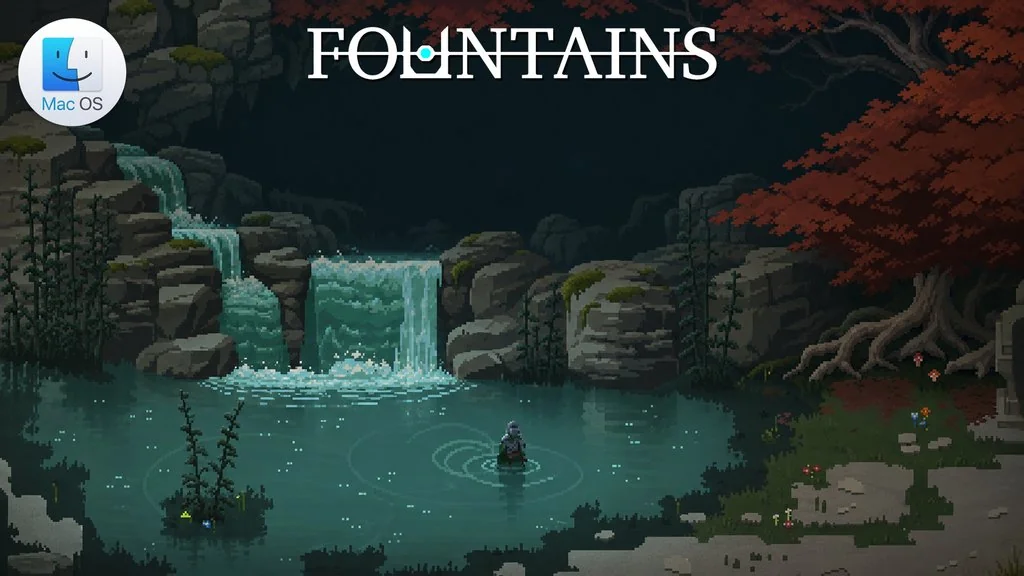
FOUNTAINS (MacOS)
FOUNTAINS Mac Full (Native) is a soulslike action-RPG that might look like a retro pixel-art game at first glance, but once you start playing, it’s genuinely brutal and unforgiving. The story puts you in the shoes of a stranger who was just thrown in prison by a tyrannical regime. Amid the chaos of war, you have to escape and uncover the mystery behind the long-hidden Fountain of Youth.
The combat system is genuinely tough yet stays responsive, so every tool and tactic you use to clear a mission really matters. You can’t just run in and mash attacks blindly. Why? Because every monster here hits hard, and one wrong move can instantly wipe out half your health.
The world in this game connects seamlessly into one giant dungeon like a metroidvania labyrinth. Your path isn’t stuck on a single straight line since everything loops back into each other. Whenever you find a new item, power, or tool, you’ll need to backtrack to unlock hidden areas.
For Mac users, you need macOS 10.10 or later, and it runs fine on both Apple Silicon and Intel CPUs.
If you’re into 2D pixel-art fantasy games with Minecraft-style mechanics, check out Terraria (Mac).
FOUNTAINS Free Download – Game Info
- Genre: Action, Adventure, Indie, RPG, Souls-like, Metroidvania.
- Developer: John Pywell.
- Publisher: Crunching Koalas.
- Release Date: December 20, 2024.
- Version: v2.2.9 for MacOS (Native ARM Apple Silicon & Intel x86 64-bit).
- Languages: English, Japanese, Chinese, German, French, Russian, Spanish, Portuguese, and Turkish.
- DLC: Shattered Shape.
- FOUNTAINS MacOS Direct Download – Native Installer.
- Single-player!
Mac System Requirements
| Component | Minimum |
|---|---|
| Operating System | macOS 10.10 or later (ARM / Intel 64-bit) |
| Processor | 1.2 GHz Dual-Core |
| RAM | 4 GB |
| Graphics Card | OpenGL ES 2 or higher support |
| Storage | 1 GB |
Gameplay Screenshots


Installation Guide
- Download the DMG file (263 MB) using the link below.
- Open or mount the .dmg file on your Mac.
- Run the installer file fountains_enUS_internalmacos_4_.pkg
- Next, run the file dlc_fountains___shattered_shape_en_internalMacOS_4_.pkg
(So the Shattered Shape DLC gets installed too) - Open the game from Applications. 🙂
Other Recommended Games: Darkest Dungeon (MacOS)
Note: If you run into an error warning, “app is damaged”, or a Gatekeeper block, check the instructions in the Readme (How to Install).txt file or open Terminal and run the command sudo xattr -rd com.apple.quarantine "/Applications/FOUNTAINS.app".
