




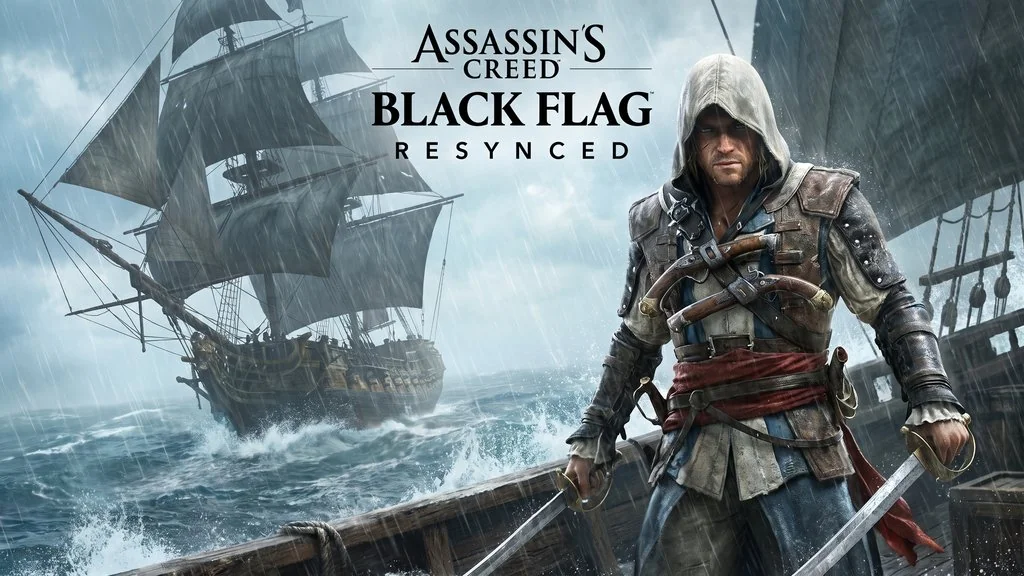
Assassin’s Creed Black Flag Resynced (v1.0.6)
Black Flag here guys but the newer version, the graphics are… clearly much better. Assassin’s Creed Black Flag Resynced PC Full, a remake of the 2013 game. Graphics upgraded, gameplay polished, and many new mechanics added. Set in the Caribbean Sea, you play as Edward Kenway, the most iconic pirate assassin in the franchise. Download link below. Hypervisor Bypass, just install and play. 🔥
Ubisoft made this remake without much announcement, but when it released it definitely went viral. But unfortunately… Ubisoft is still Ubisoft. They pulled a move gamers hate, which is microtransactions in game.
But… what makes Resynced different from the original Black Flag, in my opinion, is actually the modern quality of life improvements. Naval combat remains the main highlight, sailing, looting, and fighting in the Caribbean Sea. Pirates + Assassins, a combination that never disappoints. Right?
Metacritic and user reviews say “faithful remake”. Indeed as a remake, this is really faithful to the point some say not much has changed from the original. But the DLCs?
Priced more expensive than the game itself… What a mess.
For those who like open-world action games, I also recommend checking out Kingdom Come Deliverance 2 historical RPG. Or Ghost of Tsushima which is also open-world but you play as a samurai.
Go, download below. Size 44 GB, Repack! 👍
PC Game Info & Download :
- Genre: Action, Adventure, Open World, Pirates.
- Developer: Ubisoft.
- Publisher: Ubisoft.
- Build: v1.0.6.
- ElAmigos ISO release. Voices38.
- Remake of the original Black Flag with upgraded graphics.
Minimum System Requirements :
| Component | Minimum |
|---|---|
| Operating System | Windows 10/11 (64-bit) |
| Processor | Intel Core i5-8400 / AMD Ryzen 5 2600 |
| RAM | 8 GB |
| Graphics Card | GTX 1070 / RX 5700 |
| DirectX | Version 12 |
| Storage | 50 GB (SSD recommended) |
PC Gameplay Screenshots :


Steps to Install Assassin’s Creed Black Flag Resynced :
- Download the ISO file (44 GB) via the link below.
- Mount the ISO using Daemon Tools or Windows Explorer.
- Run Setup.exe.
- Install the game and select the installation directory.
- Wait for the installation process to complete.
Troubleshooting Game Error, Crash & Stuck :
- Game won’t run? Check your antivirus, make sure no game files are deleted or quarantined.
- Crash during loading? Update DirectX Runtime and Visual C++ Redistributable to the latest version.
- Crash during startup? Run the game as Administrator, try compatibility mode.
- Always extract the game to the root of a drive, for example, C:\Games\ or D:\Games\.
- Experiencing stuttering? Update your graphics drivers and disable V-Sync.
- … Reserved for other cases …
