




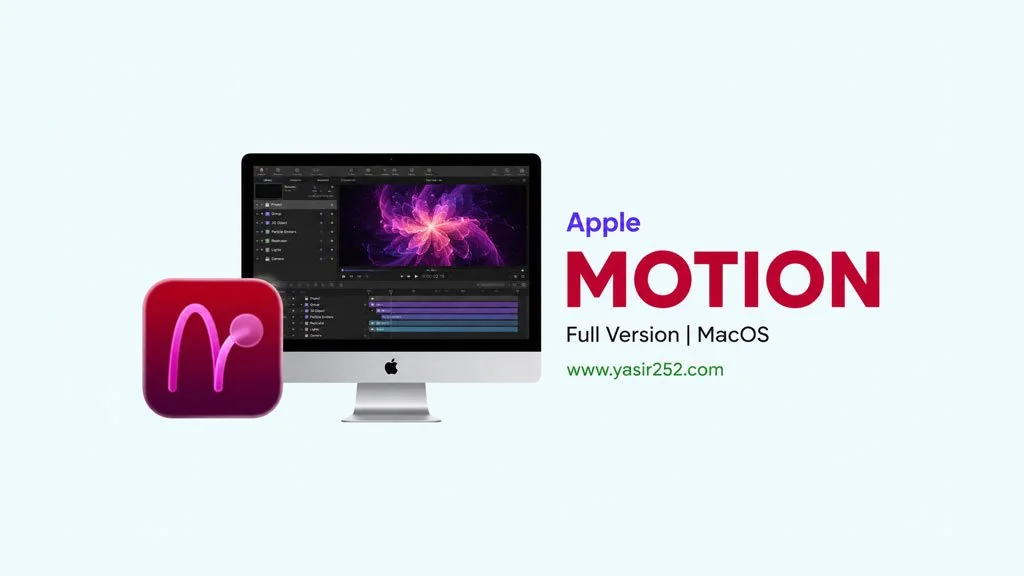
Apple Motion v6.3 MacOS
Need motion graphics software for MacOS? Apple Motion Full has two versions: Creator Studio and Non-CS. Both unlock all features, just mount the DMG, drag to Applications. Perfect for video editors who need professional motion graphics without the hassle. I’ve shared the download link below. 🔥
Apple Motion is lightweight, fast, and tightly integrated with Final Cut Pro. If you’re already using FCP, Motion is the natural companion, creating titles, transitions, and effects in one ecosystem.
Creator Studio Edition has more features than Non-CS, but Non-CS is more stable and in my opinion much lighter. I personally use Non-CS more often because I don’t need the CS features. Just adjust accordingly. Choose what suits your motion graphics workflow on Mac.
In terms of performance, this Mac motion graphics program is indeed more intuitive than After Effects. Especially when working on simple projects. Some say “Motion is underrated, especially for Final Cut users.” But for more complex work, After Effects is still more powerful.
If you need After Effects, check out Adobe After Effects 2026 MacOS. Or if you want color grading + editing all-in-one, DaVinci Resolve Studio MacOS is also a great choice.
Go ahead, download below. Size CS 4.1 GB, Non-CS 4.0 GB. DMG file, mount, drag to Applications. 👍
Latest Features & Download Links :
- Motion graphics: create titles, transitions, and effects directly on MacOS.
- Integrated with Final Cut Pro: seamless workflow, one ecosystem.
- 3D compositions: create 3D motion graphics easily.
- Template system: use built-in templates or create your own.
- Real-time rendering: preview directly without exporting.
- GPU accelerated: fast performance on MacOS.
- Two versions: Creator Studio (full features) and Non-CS (lighter).
User Interface :

Steps to Install Apple Motion on Your Mac :
- Download the MOT63cs.zip (CS) or MOT63nc.zip (Non-CS) file from the link below.
- Mount the extracted DMG file.
- Drag Motion.app to the Applications folder.
- App is ready to use! 😍
Very Important: You must learn how to install apps from outside the App Store. That means using the methods Enable Kernel Extensions, Disable SIP and turning off Gateway Keeper on your Mac. So if there’s a problem, “damaged” or other errors, it’s not the file that’s wrong! It’s that MacOS hasn’t been bypassed yet.
Troubleshooting Installation and Error Issues :
- App “damaged”?
sudo xattr -rd com.apple.quarantine "/Applications/Motion.app" - Alternative fix:
sudo xattr -r -c+ drag app to Terminal window, then Enter. - App won’t run? Make sure MacOS compatibility, check minimum MacOS version.
- App crash? Restart Mac, try running again from Launchpad.
- Permission error? Make sure monitoring permissions have been granted in System Preferences.
