




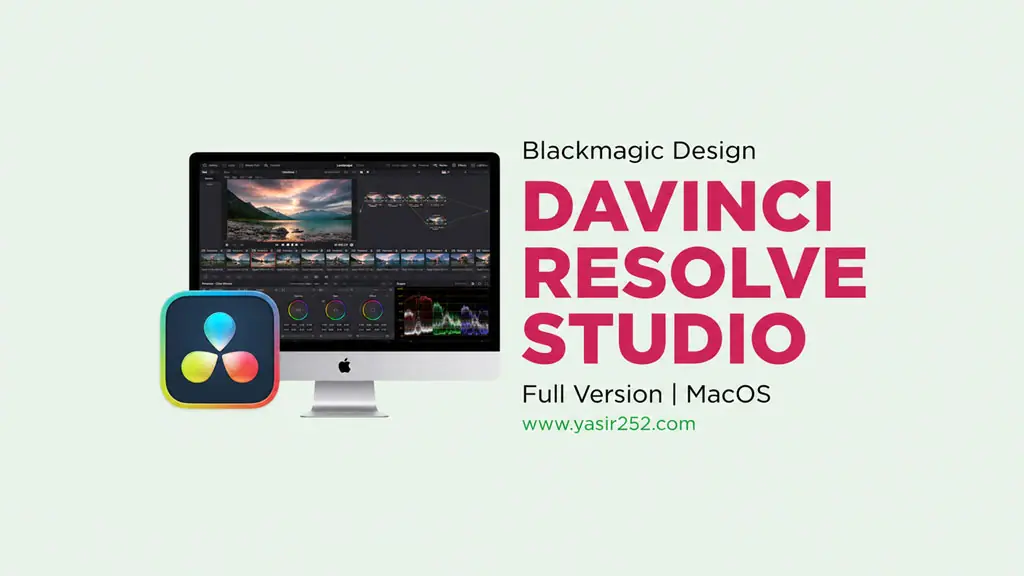
DaVinci Resolve Studio 21.1 MacOS
For those who love video editing and color grading, DaVinci Resolve Studio needs no introduction. This all-in-one post-production software from Blackmagic Design keeps getting better. Now with the new Photo page, Resolve can edit photos too. Unstoppable. I have prepared the download link right here. Full version! 🔥
Version 21.1 is the biggest major update yet. You can edit RAW files from Canon, Nikon, Sony, and Fujifilm directly on the timeline. A video editor that is also a photo editor now.
Plus, it comes with AI Depth of Field, Motion Deblur, Blemish Removal, and Facial De-Aging.
All these AI features speed up color grading and VFX workflows significantly. I personally tried the new Magic Mask in 21.1 and the tracking is noticeably more accurate.
Of course, the Fusion page for motion graphics also got a major upgrade. Keyframe editing is smoother and performance is noticeably better.
If you are still using Final Cut Pro (MacOS) or Adobe Premiere Pro 2026 (MacOS), switch now! 🤭
New Features and Download Links :
- AI Depth of Field: automatic depth of field effect using AI depth mapping.
- Motion Deblur: remove blur from shaky or fast-moving footage.
- Blemish Removal & Facial De-Aging: AI tools for face retouching.
- Magic Mask: more accurate mask tracking with new AI.
- Fusion Page: upgraded motion graphics with new shape tools and keyframes.
- Color Match: auto-balancing using standard color charts.
- Unlimited node-based color grading with secondary correction.
- Fairlight: professional audio editing and mixing.
- Supports Apple Silicon M1-M5, macOS Tahoe & Sequoia.
DaVinci Resolve Studio 21.1 User Interface :

System Requirements :
| Component | Minimum Specification |
|---|---|
| Operating System | macOS 13 Ventura or later |
| Processor | Apple Silicon (M1/M2/M3/M4/M5) atau Intel Core i7 |
| RAM | 16 GB (disarankan 32 GB untuk 4K) |
| Graphics Card | Apple Silicon GPU atau GPU dedicated 4 GB VRAM |
| Storage | 20 GB free space for installation |
DaVinci Resolve on Mac (All Versions) Installation Guide :
How to Install DaVinci Resolve Mac 19 :
- Download DaVinci Resolve Studio Mac v19.1 Full Version.
- Extract the ZIP file to desktop using WinZIP MacOS.
- Mount the DMG file that was extracted.
- Install DaVinci to Mac as usual.
- Extract Crack.zip
- Go to Applications, DaVinci Resolve > Right-click > Show Package Content
- Copy
libfusionsystem.dylib - Paste to: /Applications/DaVinci Resolve/DaVinci Resolve.app/Contents/Libraries/Fusion/
- Copy
Resolve - Paste ke : /Applications/DaVinci Resolve/DaVinci Resolve.app/Contents/MacOS
- Copy
Blackmagic.lic - Press Command + Shift + . to show hidden folders.
- Move
Blackmagic.licto:
/Library/Application Support/Blackmagic Design/DaVinci Resolve/.license - If the
.licensefolder does not exist, create it manually. - For full details, open the Readme (how to install).txt file.
How to Install DaVinci Resolve Mac 20 :
- First, Disable SIP and Allow Apps From Anywhere
- Download DaVinci Resolve Studio Mac Full Version from the link below
- Unzip the file to desktop (WinZIP MacOS)
- Mount the DMG file to start installation
- Follow the installation instructions inside the DMG file
- Use Patch.pkg for application activation
- Good luck!
Step to Install DaVinci Resolve Mac 21.1 :
- Download DVRS211mac.zip from the link below.
- Extract the zip using the built-in Mac extractor or Keka.
- Open the extracted folder, then go to the Setup folder.
- Double-click Install Resolve Studio 21.1.pkg.
- Follow the installer until it finishes.
- If macOS blocks the installer, open System Settings > Privacy & Security and click Open Anyway.
IMPORTANT: You need to learn how to install apps from outside the App Store. Enable Kernel Extensions, Disable SIP, and turn off macOS Gatekeeper. If you get a “damaged” error or similar, it is not the file, your macOS just has not been bypassed yet.
