


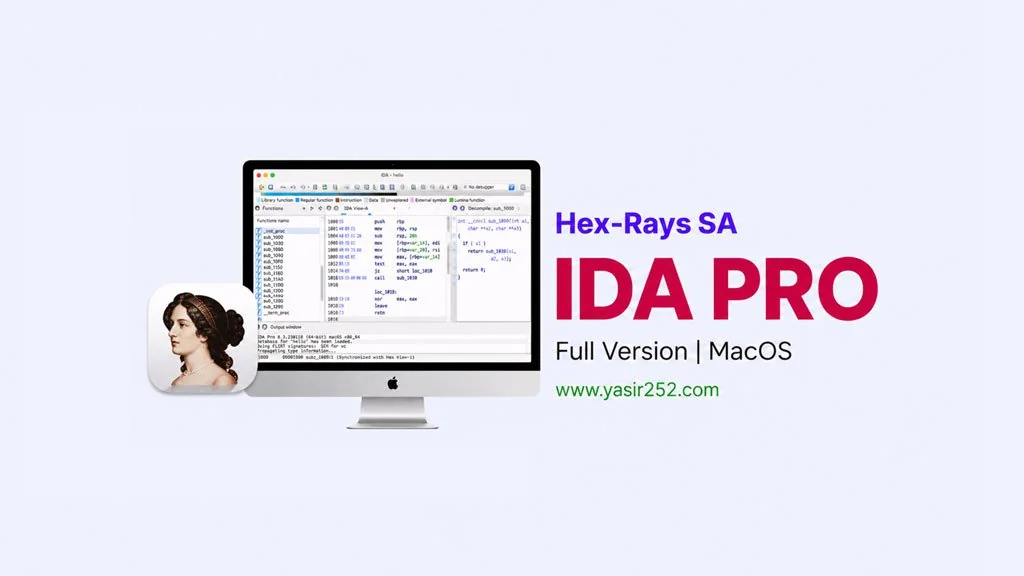
IDA Professional MacOS – Reverse Engineering Tool (v9.4)
Need a powerful reverse engineering tool for MacOS? IDA Professional v9.4 Full has disassembly and debugging features that are industry standard. Supports ARM and x86, automatic analysis, and a comprehensive interface. I’ve provided the download link. DMG installer, activation included. 🔥
I’ve tried IDA Pro on Windows before. But haven’t tried it on MacOS yet. As you know, this program is probably… the most mature one with many plugins.
Many methods and algorithms we can use to solve problems.
IDA Professional also supports many architectures, x86, x64, ARM, MIPS, PowerPC, and many more. Of course, the automatic analysis is also powerful, it can detect function boundaries, cross-references, and string tables automatically. Incredible.. From raw binary it can become readable code.
For me, currently there is no real alternative for deep binary analysis except this tool. Besides having automatic Disassembly capabilities, kernel debugger, remote debugging, it also has FLIRT signatures.
Size 1.3 GB, DMG file. Mount, follow the instructions inside the DMG. Go ahead, download below. 👍
Latest Features & Download Links :
- Multi-architecture: x86, x64, ARM, MIPS, PowerPC, and many more.
- Automatic disassembly: detect function boundaries, cross-references, strings.
- Debugger: supports remote debugging, kernel debugging.
- Plugin ecosystem: many plugins for specific analysis.
- FLIRT signatures: automatic library function identification.
- Industry standard for reverse engineering and malware analysis.
- ARM Mac support (Apple Silicon).
User Interface Preview :

Steps to Install IDA Professional on Your Mac :
- Download the IDAP94-yasir252.zip file (1.3 GB) from the link below.
- Run the appropriate installer:
– ida-pro v9.4 armmac for Mac M-series (M1-M5)
– ida-pro v9.4 x64mac for Mac Intel. - Click Next and Finish. Enter your Mac password when prompted.
- Run the IDA Professional v9.4 macOS Patch.pkg installer.
- Select the appropriate option: ARM or Intel during component selection.
- Click Continue, Install, and Close. Enter Mac password again.
- Done, run IDA from Applications! 😍
Important: If MacOS blocks installation, open System Preferences > Security & Privacy > General, then click “Allow Anyway”. For the patch, SIP must be disabled first. Damaged error? MacOS hasn’t been bypassed yet. Enable Kernel Extension, Disable SIP and Gatekeeper.
IDA Professional MacOS v9.4 Download
www.yasir252.com