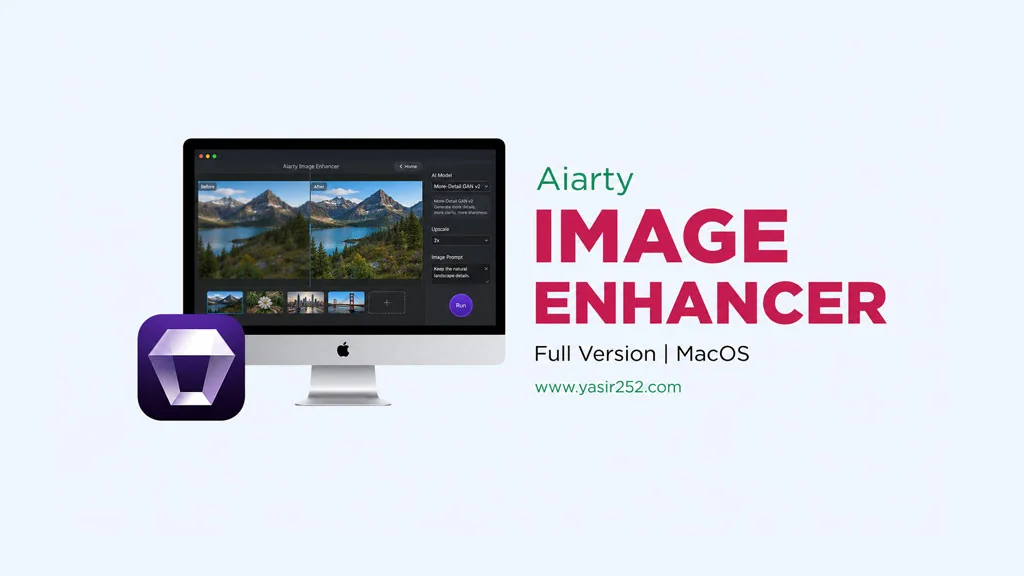
You’ve probably gotten a great photo before. The composition was on point, the style was perfect. But the quality? Not so great. Blurry, noisy, or just low-light. If that sounds familiar, you should download Aiarty Image Enhancer latest version. This app is the solution to boost your photo quality using AI. And you can grab Aiarty Image Enhancer right from this page, full version.
This app is made by Digiarty Software, a developer that’s been well-known in the multimedia software space for years. The features? Pretty wild actually. It can upscale photos up to 32K resolution, remove noise, restore faces, and even delete unwanted objects with the AI eraser. Cool, right?
If you’re looking for alternatives, you can try Luminar NEO for AI-powered professional photo editing, or PhotoScape X Pro if you prefer manual workflows. But… they don’t have AI Enhancement as Aiarty.
The best part about Aiarty Image Enhancer is that it runs fully offline. Once the AI models are downloaded, you don’t need an internet connection to enhance photos.
As for performance, Aiarty Image Enhancer supports GPU acceleration on Mac with Apple Silicon.
The lifetime license is only $99, but you can try it free first via the trial on their official website. Go ahead and download Aiarty Image Enhancer full version below.
Features of Aiarty Image Enhancer for macOS
Upscale photos up to 32K resolution with AI super resolution.
Remove noise and grain from low-light photos.
Face Restoration and AI Magic Eraser.
Three AI models: Real-Photo V3, AIGCsmooth V3, and More-Detail GAN V3.
Fully offline processing, AI models run locally on your Mac.
Batch processing support, enhance hundreds of photos at once without manual input.
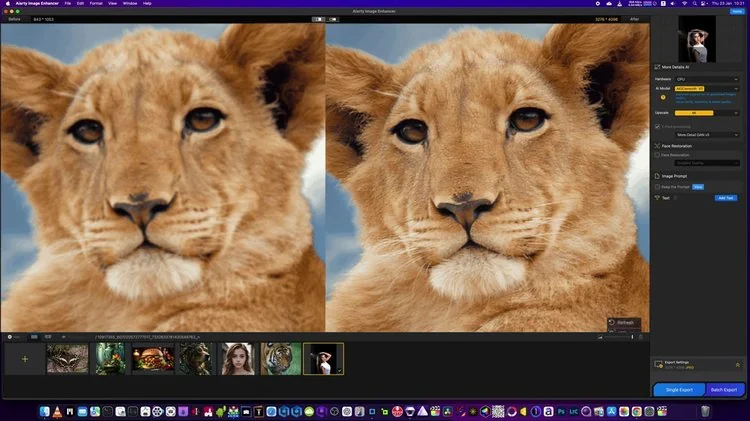
Clean and modern interface with before-after slider for instant preview.
Latest User Interface :
System Requirements :
Component
Minimum
Operating System
macOS 12 Monterey or newer
Processor
Apple Silicon M1/M2/M3/M4
RAM
8 GB (16 GB recommended)
Graphics Card
Apple Silicon GPU
Storage
2 GB available for AI models
How to Install Aiarty Image Enhancer on Your Mac :
Download AIENH312.zip (123.8 MB) from the link below.
Extract the zip file using the built-in Mac extractor or Keka.
Open the .dmg file you just extracted.
Drag Aiarty Image Enhancer to the Applications folder.
Make sure to allow the app from the developer in System Settings > Privacy & Security.
Click Open Anyway if a security popup appears so the app can run normally.
Open the app from Applications and wait for the AI model to finish loading.