


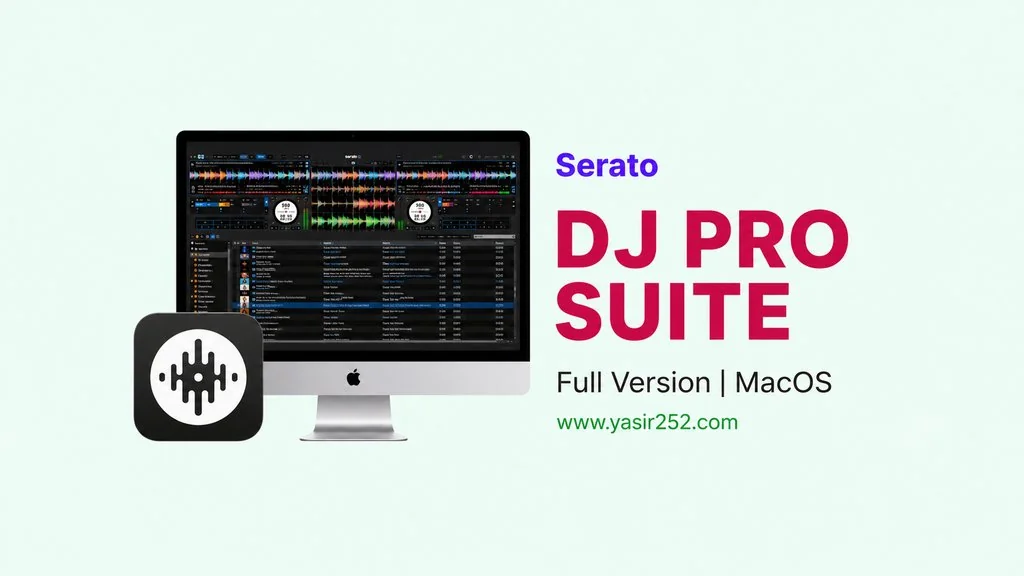
Serato DJ Pro Suite MacOS v4.0.5
Buat kalian yang kerja di DJ performance atau music production, pasti kenal Serato DJ Pro Suite v4.0.5 Full Version untuk Mac. DJ software profesional untuk MacOS yang dipake banyak profesional di seluruh dunia. Kebetulan nih… saya akan share link download-nya, MacOS, tinggal install langsung pakai. 🔥
Saya sendiri udah pernah cobain Serato beberapa tahun lalu di MacBook Pro buat mixing. Sebelumnya pake Virtual DJ, tapi kayaknya Serato jauh lebih stabil deh. Dari segi fitur, tampilan dan sistem audio editingnya. Apalagi User Interface-nya juga clean banget, gak bikin pusing.
Di dalemnya, udah include Serato Sample, Serato Stems, dan fitur recording yang built-in. Plus, support hampir semua DJ controller yang ada. Merk apa aja aman harusnya.
Semua plugins dan fitur premium udah activated. Tapi perlu kamu cek, kadang ada masalah permission yang bisa bikin Serato gak save license. Nanti saya jelasin cara fix-nya di bawah.
Buat kalian yang butuh DJ software Mac lainnya, cek Virtual DJ 8 yang juga populer. Atau kalau mau yang lebih ke drum sampling, Steinberg Groove Agent SE Mac juga oke.
Tapi buat DJ performance di MacOS, Serato tetap juaranya. Ukuran 976 MB, MacOS. Compatible macOS 12+. Gas deh ya, download file installer-nya di bawah. 👍
Serato DJ Pro Suite MacOS Fitur & Link Download :
- DJ software profesional untuk MacOS, ARM & x86 (64-bit).
- Serato Sample dan Serato Stems untuk stem separation.
- Support hampir semua DJ controller: Pioneer, Numark, Denon, Rane.
- Built-in recording dan broadcasting.
- Clean interface, low latency audio engine.
- Compatible macOS 12 Monterey atau lebih baru.
- Key detection, beat sync, dan FX suite untuk mixing profesional.
Tampilan User Interface :

Cara Installasi Serato DJ Pro Suite di MacOS :
- Download file SRTDJ405m-yasir252.zip (976 MB) melalui link di bawah.
- Ekstrak file ZIP, lalu buka file .dmg yang dihasilkan.
- Jalankan Serato DJ Pro 4.0.5.pkg untuk install.
- Jalankan Serato DJ Pro Suite 4.0.5 patch untuk activate.
- Buka dari Launchpad. Selesai! 😍
Fix Permission MacOS (PENTING): Kalau Serato minta login setiap restart, itu masalah permission. Buka Finder → Cmd+Shift+G → paste ~/Library/Application Support/ → cari folder Serato → Properties → Sharing & Permissions → set Read & Write untuk user → Apply to nested items.
Fix untuk MacOS Tahoe (macOS 26):
- Hapus SEMUA file Serato. Buka AppCleaner → drag Serato icon → Remove.
- Hapus folder
~/Library/Application Support/Seratosecara manual. - Buka VPN → login di website Serato (bisa pakai fake email).
- Install Serato 4.0.5 standar → test Library functionality tanpa patch.
- Install patch 4.0.5.
- Selesai! Works tanpa internet, VPN, dan setelah reboot.
Serato DJ Pro Suite v4.0.5 Download (MacOS)
www.yasir252.comMengatasi Masalah Error & Audio Crackling:
- Serato minta login setiap restart? Fix permission folder Serato di ~/Library/Application Support/
- Pastikan Serato punya Full Disk Access di System Preferences → Privacy & Security.
- Audio crackling di MacOS? Set buffer size ke 512 atau 1024.
