


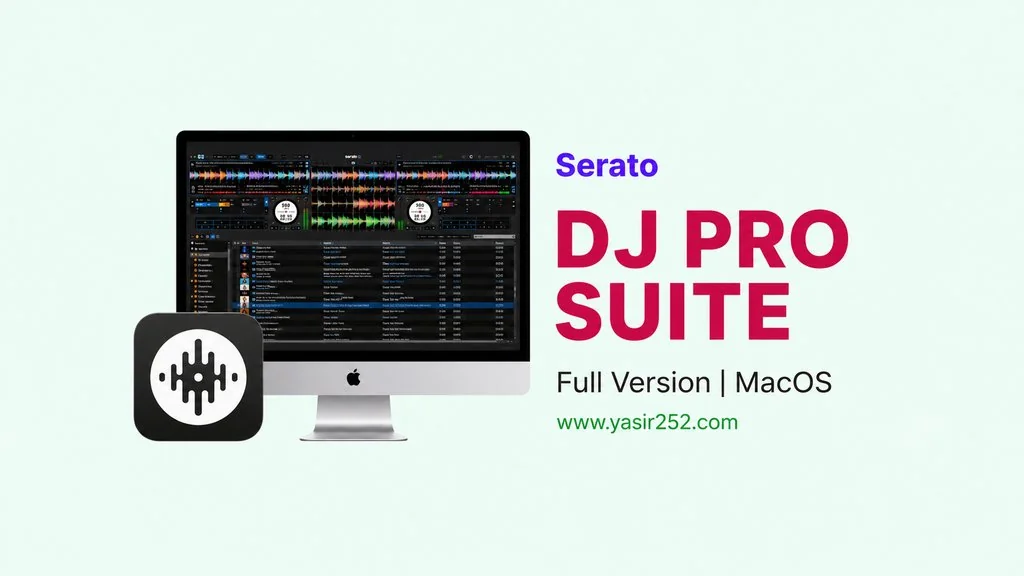
Serato DJ Pro Suite MacOS v4.0.5
If you work in DJ performance or music production, you definitely know Serato DJ Pro Suite v4.0.5 Full Version for Mac. Professional DJ software for MacOS used by many professionals worldwide. I’m sharing the download link here for MacOS, just install and use it. 🔥
I tried Serato a few years ago on a MacBook Pro for mixing. Previously I used Virtual DJ, but Serato felt way more stable. In terms of features, interface, and audio editing system.
Inside, it already includes Serato Sample, Serato Stems, and built-in recording features. Plus, supports almost every DJ controller out there. Any brand should work fine. But you should check, sometimes there are permission issues that can make Serato not save the license. I’ll explain the fix below.
If you need other Mac DJ software, check out Virtual DJ 8 which is also popular. Or for something more focused on drum sampling, Steinberg Groove Agent SE Mac works too.
But for DJ performance on MacOS, Serato remains the champion. 976 MB, MacOS. Compatible with macOS 12+. Go ahead then, download the installer below. 👍
Serato DJ Pro Suite MacOS Features & Download Links :
- Professional DJ software for MacOS, ARM & x86 (64-bit).
- Serato Sample and Serato Stems for stem separation.
- Supports almost all DJ controllers: Pioneer, Numark, Denon, Rane.
- Built-in recording and broadcasting.
- Clean interface, low latency audio engine.
- Compatible with macOS 12 Monterey or newer.
- Key detection, beat sync, and FX suite for professional mixing.
User Interface Preview :

How to Install Serato DJ Pro Suite on MacOS :
- Download SRTDJ405m-yasir252.zip (976 MB) from the links below.
- Extract the ZIP file, then open the .dmg file.
- Run Serato DJ Pro 4.0.5.pkg to install.
- Run Serato DJ Pro Suite 4.0.5 patch to activate.
- Open from Launchpad. Done! 😍
Fix MacOS Permissions (IMPORTANT): If Serato asks for login every restart, that’s a permission issue. Open Finder → Cmd+Shift+G → paste ~/Library/Application Support/ → find the Serato folder → Properties → Sharing & Permissions → set Read & Write for your user → Apply to nested items.
Fix for MacOS Tahoe (macOS 26):
- Delete ALL Serato files. Open AppCleaner → drag Serato icon → Remove.
- Delete the
~/Library/Application Support/Seratofolder manually. - Open VPN → login to Serato website (can use fake email).
- Install standard Serato 4.0.5 → test Library functionality without patch.
- Install patch 4.0.5.
- Done! Works without internet, VPN, and after reboot.
Serato DJ Pro Suite v4.0.5 Download (MacOS)
www.yasir252.comTroubleshooting Errors & Audio Crackling:
- Serato asks for login every restart? Fix Serato folder permissions at ~/Library/Application Support/
- Make sure Serato has Full Disk Access in System Preferences → Privacy & Security.
- Audio crackling on MacOS? Set buffer size to 512 or 1024.
