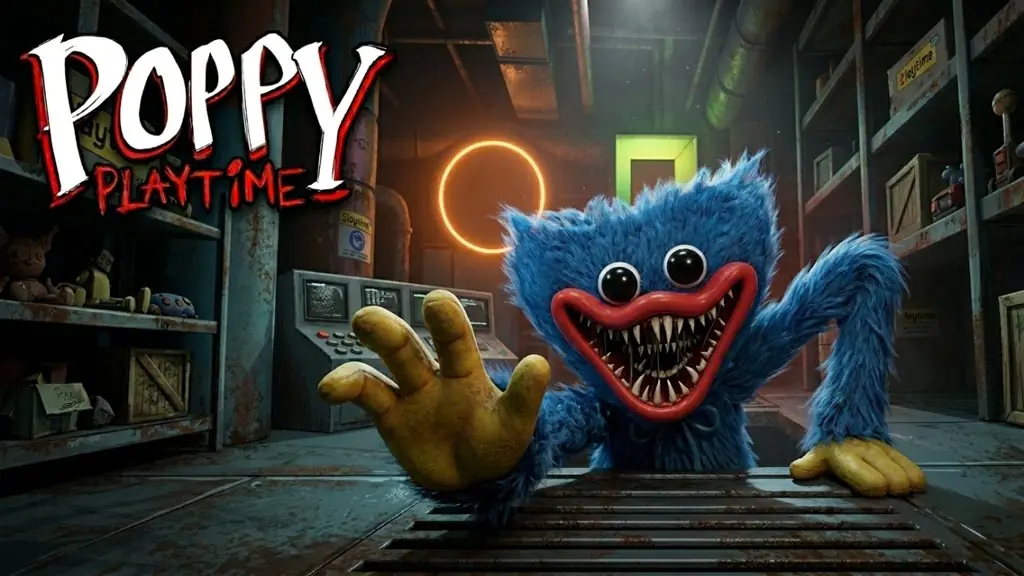
Poppy Playtime (Build 22131794)
One day, a mysterious letter arrives from a coworker who vanished ten years ago. We return to a long abandoned toy factory. But in Poppy Playtime PC (Build 22131794), what welcomes us is not the friend, but giant toys waiting for us. All DLC Chapters 1 to 5 complete, 71 GB just extract and play. 🔥
Mob Entertainment released this game October 2021, Steam rating Very Positive from 141k reviews. The horror relies on atmosphere: strange sounds, eerie music, feeling watched by toys on the shelf. The vibe is similar to Little Nightmares II. But Poppy Playtime is more brutal in horror.
Our main weapon is the GrabPack, a backpack with two robotic hands. The blue hand connects electricity and opens doors, the red hand pulls objects from afar. Many puzzles each chapter, designed around the 2 hands mechanic. The most memorable moment is the chase with Huggy Wuggy. Prepare it in your mind. 😂
The downsides? Short chapters, stiff controls. If you want to try, download below. 👍 For other horror recommendations, REANIMAL is worth trying too.
Game Info and Download Link :
- Genre: Action, Adventure, Indie.
- Developer: Mob Entertainment.
- Publisher: Mob Entertainment.
- Release Date: October 12, 2021.
- Version: Build 22131794.
- Pre-Installed, includes all DLCs (Chapter 1-5).
- Single-player Only!
Minimum System Requirements :
| Component | Minimum | Recommended |
|---|---|---|
| Operating System | Windows 10 (64-bit) | Windows 10 (64-bit) |
| Processor | Intel Core i5 | Intel Core i5 |
| RAM | 8 GB | 8 GB |
| Graphics Card | Nvidia GeForce GTX 1060 / Radeon RX 580 | Nvidia GeForce GTX 1060 / Radeon RX 580 |
| Storage | 20 GB | 20 GB |
PC Gameplay Screenshots :


Steps to Install Poppy Playtime on Your PC :
- Download the PPYPLTM22131.rar file (71 GB) via the link below.
- Extract the file using WinRAR or 7-Zip
(password www.yasir252.com). - Open the extracted folder, run PlaytimeLauncher.exe.
- Wait for loading to finish, ready to play! 🔥
Troubleshooting Game Error, Crash and Stuck :
- Game crash on startup? Make sure the game folder is whitelisted in Windows Defender.
- Crash during loading? Update DirectX Runtime and the latest Visual C++ Redistributable.
- Game will not open? Run as Administrator and update Windows to the latest version.
- Stuttering and lag? Update VGA driver and turn off V-Sync.
- Loading into the game takes a while? Be patient, just wait.
- Always extract the game on a Root Drive, for example C:\Games\ or D:\Games\.
- … Reserved for other cases …