




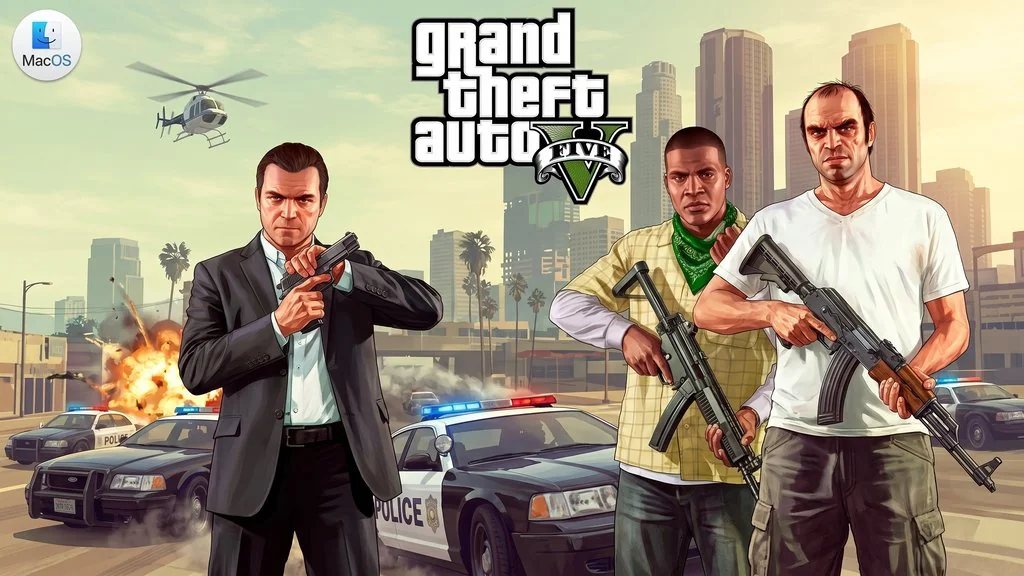
Grand Theft Auto V MacOS (v1.0.1180.1 Build 1.41 REV 1)
GTA V iconic open-world action-adventure, with three playable characters and a vast Los Santos world. For MacOS it can actually be played?! That must be your question all this time. Having a mac sitting idle. Grand Theft Auto V MacOS Full Version ported using Wineskin can run on Mac. I’ve prepared the download link below, just install and play. No Bootcamp or virtual machine needed 🔥
From Rockstar Games, this game has become one of the best-selling games of all time. A vast open world in Los Santos, three playable characters (Michael, Franklin, Trevor), and exciting missions. Of course, who doesn’t know… It’s all the same. No difference from the Windows version.
Well, there are a few things you’ll need to check below. Like the installation method, troubleshooting issues. Because not all Macs work. You need a capable device. Some specific settings to pay attention to like resolution, cursor, and audio.
Size 70 GB, DMG file. Download GTA 5 for Mac full game below! 👍
If you want the Windows version, check GTA 5 PC Full Version. Or if you want to try another open world game on Mac, Crimson Desert Mac is also really fun.
Grand Theft Auto V MacOS Game Info & Link Download :
- Platform: MacOS (Wineskin Port).
- Genre: Action, Adventure, Open World.
- Developer: Rockstar Games.
- Publisher: Rockstar Games.
- Version: v1.0.1180.1/1.41 REV 1.
- Three playable characters: Michael, Franklin, Trevor.
- Tested on macOS Tahoe, Mac mini 2024 M4
PC Gameplay Screenshots :


How to Install GTA 5 on Your Mac :
- Download the DMG file from the link below (70 GB).
- Mount the DMG file, drag the app to the Applications folder.
- Launch from Launchpad.
- If there’s an error, run the “Fix” file inside the DMG.
- Done, enjoy! 😍
VERY IMPORTANT: You must learn how to install apps from outside the App Store. That is with the Enable Kernel Extensions, Disable SIP and turn off Mac Gateway Keeper method. So if there’s a problem, “damaged” or otherwise, it’s not the file that’s wrong! It’s that MacOS hasn’t been bypassed yet.
Troubleshooting Some GTA 5 Issues on MacOS :
Resolution & Cursor
Game resolution depends on the resolution setting in your Mac System Preferences. To restore the game window, change “Screen type” in game settings from borderless to windowed, then switch back.
How to remove the cursor: For example, use 1680×1050 resolution in System Preferences. Before launching the game, set 1440×900 (or lower). When the game starts, minimize and switch back to 1680×1050.
Language Setting
- Right-click the game icon, select “Show Contents” from the context menu.
- Follow this path:
Grand Theft Auto V.app/Contents/SharedSupport/prefix/drive_c/KS Games/Grand Theft Auto V/steam_api.ini - Open the steam_api.ini file with TextEdit. Change the language string as desired, then save. Default is Russian.
Menu Lag & Graphic Artifacts
Setting effects to “Very High” or “Highest” can cause graphic artifacts (macOS Sequoia).
It’s recommended to play with vertical sync active, without it the menu will lag and freeze occasionally.
After enabling vertical sync, use “CMD + TAB” to switch to the game window. This must be repeated every time the game is launched.
Saves Location
Save game is at: Grand Theft Auto V.app/Contents/SharedSupport/prefix/drive_c/ProgramData/Socialclub/RLD!/271590/
Sound Problems & Crackling
- Open the Mac built-in Audio-MIDI Setup utility.
- Set Default Output to 96,000 Hz.
Online Mode
Unavailable. This is a cracked version, only single-player mode is available.
MacOS Tahoe Fix (Rosetta)
If the game doesn’t work on MacOS Tahoe, it’s likely a Rosetta issue. Open Terminal, run: /usr/sbin/softwareupdate --install-rosetta --agree-to-license
Menu F8 Not Working
Try enabling function keys in System Preferences → Keyboard.
Game on External Drive
The game also works great on an external drive. No issues with HDD/SSD.
