




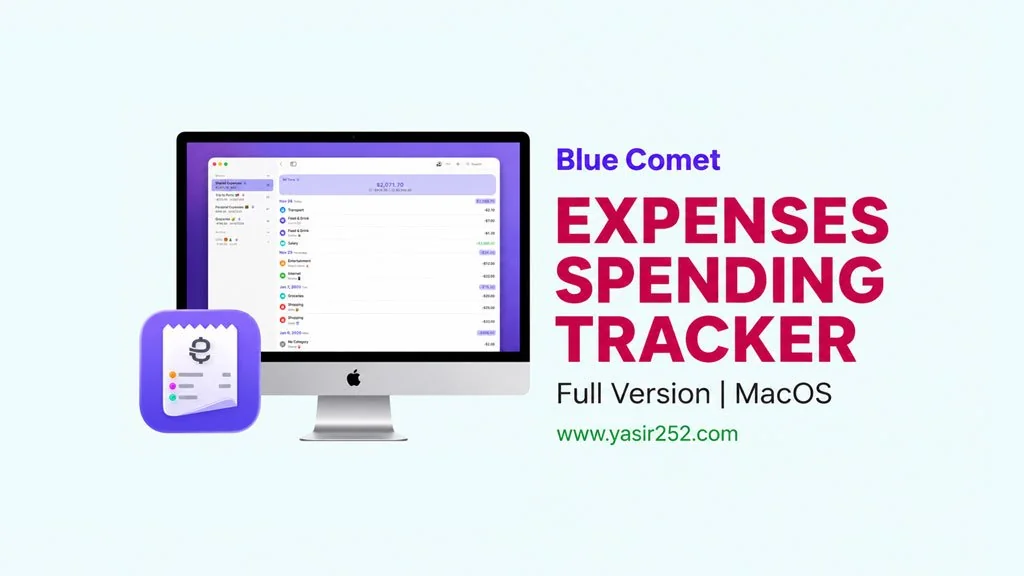
Expenses Spending Tracker MacOS Full Version v4.0.27
Looking for a simple app to track expenses on your Mac? Well, you probably need Expenses v4.0.27 Full Version. It’s a personal finance tracking app that’s powerful for anyone. Why do I recommend it? Because it’s the simplest, most straightforward option out there. Works on all Macs. No account needed, data stays on your device. Private… And of course, it supports every currency. You can download Expenses Spending Tracker MacOS full version right here, free! 🔥
I’ve tried several expense trackers on Mac. Honestly, most are either too complicated or force you to create an account first. Then… I gave Expenses a shot.
Wow, incredibly simple. Open the app, log an expense, pick a category, done. No registration, no data uploaded to any server. Privacy is actually protected. How cool is that?
What sets this app apart is its focus. The developers went all in on simplicity and privacy. But it’s not just that. There are actually a few other useful features too. Things like receipt scanning, visual spending trends, and report books. Really helpful stuff. But there is a downside… the PDF export is still basic, just a text list.
In terms of features and tools, it can definitely compete with apps like Money Pro Mac. Curious? Want to try it now? Go ahead, download it below. 😄
Expenses Spending Tracker macOS Latest Features
- Quick Input, add expenses with just a few taps.
- Privacy First, no registration, no personal data collected.
- Stats & Trends, visualize spending patterns with clear charts.
- Multi Currency, supports all currencies with custom exchange rates.
- Receipt Scanning, scan receipts for faster entry.
- iCloud Sync, automatic data sync across iPhone, iPad, Mac.
- CSV Import/Export, backup and migrate data easily.
User Interface Screenshot :

System Requirements :
| Component | Minimum Specification |
|---|---|
| Operating System | macOS 13.0 or newer |
| Processor | Intel or Apple Silicon |
| Memory RAM | 4 GB |
| Hard Disk Space | 100 MB available |
| Platform | Mac, iPhone, iPad, Apple Vision Pro |
How to Install Expenses Spending Tracker on Mac :
- Download EXP4027mac.zip (15 MB) from the link below.
- Extract the ZIP file, then mount the resulting .dmg file.
- Drag Expenses to the Applications folder.
- Done! Launch it. 😍
