




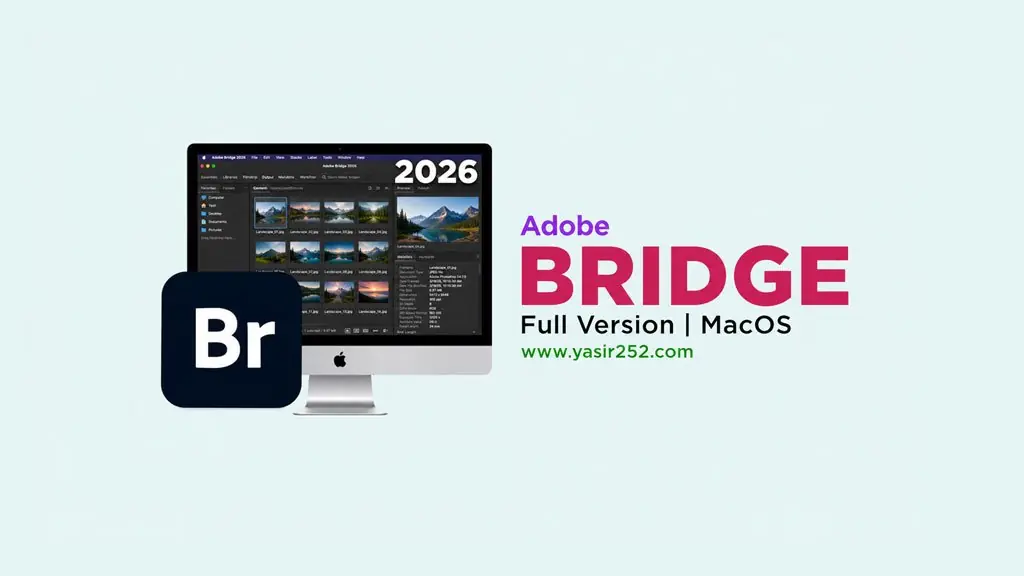
Adobe Bridge 2026 MacOS (v16.0.8)
Got hundreds of photo and design files piling up in folders, and it takes forever to find just one? Adobe Bridge 2026 MacOS Full (v16.0.8) is a digital asset management app for organizing, previewing, and tagging creative files on Mac, so everything is easier to find. I’ve put the download link below. 🤔
What sets Bridge 2026 apart from the previous version is its fully native Apple Silicon support. Thumbnails are rendered by the GPU, so browsing thousands of files feels much lighter. For me, the layout is easy to work with because the Content, Metadata, and Preview panels are all on one screen.
The standout is Batch Rename, which can rename hundreds of files at once using a single pattern.
You can also bulk-edit EXIF, IPTC, and XMP metadata, and preview RAW files from more than 700 camera models without importing them.
I usually find Bridge useful when managing lots of assets, footage, and images in After Effects 2026 (MacOS) or Adobe Premiere Pro 2026 (MacOS).
Download Adobe Bridge 2026 below. It’s 5.1 GB and runs only on Apple Silicon Macs. 👍
Latest Features and Download Link :
- Fully native on Apple Silicon M1 through M4.
- Batch Rename handles thousands of files with custom patterns.
- Preview RAW files from 700+ camera models without importing.
- Bulk-edit EXIF, IPTC, and XMP metadata.
- Smart Collections automatically group files by criteria.
- The Export panel can resize images and add watermarks.
- Supports PSD, AI, INDD, PDF, TIFF, HEIF, WebP, and 200 other formats.
- The GPU renders thumbnails.
User Interface Preview :

Minimum System Requirements :
| Component | Minimum Specifications |
|---|---|
| Operating System | macOS 13 (Ventura) or later |
| Processor | Apple Silicon M1/M2/M3/M4 (ARM) |
| RAM | 8 GB (16 GB recommended) |
Steps to Install Adobe Bridge 2026 on macOS :
- Download KBRG1608mac-yasir252.zip (5.1 GB) from the link below.
- Extract the ZIP on your Mac. No password is required.
- Open folder 1, run 1. CCXP.pkg, then install Runtime_ARM64.pkg or Runtime_x86_64.pkg for your Mac. If the main CCXP package fails, try 1. CCXP v5.2.4.1 [v2].pkg.
- Open folder 2, run Install.app, enter your Mac password if prompted, and wait for it to finish.
- Open folder 3, choose the online or offline Adobe Activation Tool DMG, add Adobe Bridge, then click Start Activation.
- If certificate error #12013 appears, run AddCerts.command from folder 4.
- Done! 😁
