


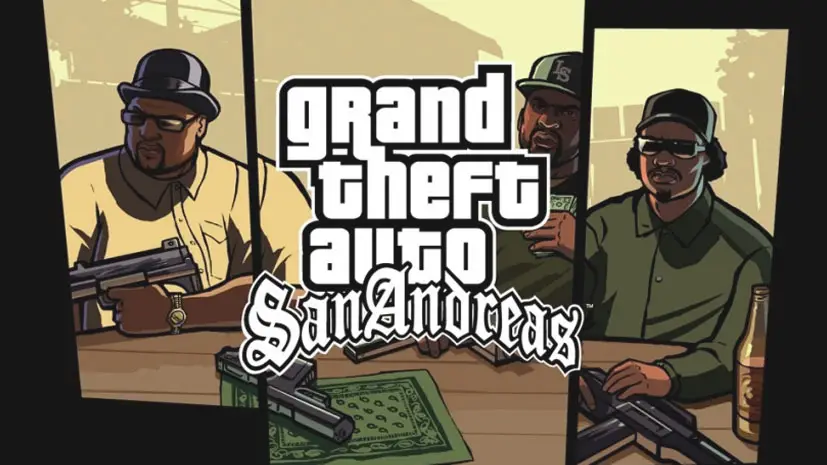
Download GTA San Andreas PC Full Version (+MOD Extreme)
Back home, and instead ended up in the gangster world? Well… the plot is familiar right? GTA San Andreas is the legendary open-world game from Rockstar North. An action-adventure that basically tells you to explore the entire state of San Andreas as Carl “CJ” Johnson. I happen to share the download link, pre-installed, just extract and play. 🔥
Released in 2004 for PlayStation 2, this game immediately exploded and became the best-selling game of its era. Rockstar was quick, immediately releasing PC, Xbox, and even mobile versions. To boost sales.
What makes GTA San Andreas different from other open-world games? It’s the gameplay & storyline, friend.
In this game, we play as CJ who just returned to Los Santos to uncover the mystery of his mother’s death. A lot happens there. It’s kinda similar to Sleeping Dogs, but more classic, and more free. With weapons!
True, the graphics are outdated. But if you install the MOD Extreme that I provide, the visuals look much better. And importantly, this game still runs on Windows 11. Last I tested on Windows 11 Pro v24H2 Build 26100.4061.
For those curious about the sequel, there’s GTA IV which has a darker and more realistic story. But for now, download GTA San Andreas below. Size 3.7GB, pre-installed! 👍
GTA San Andreas PC Game Info & Link Download :
- Genre: Action, Adventure, Open World, Shooter
- Developer: Rockstar North
- Publisher: Rockstar Games
- Release Date: June 7, 2005 (PC)
- Language: English
- Pre-Installed, Single Part, Original Game
- Includes MOD Extreme v7 (optional)
Minimum System Requirements :
| Component | Minimum | Recommended |
|---|---|---|
| Operating System | Windows XP/Vista/7 | Windows 10/11 64-bit |
| Processor | Intel Core 2 Duo 1.8 GHz | Intel Core i3 or newer |
| RAM | 512 MB | 2 GB |
| Graphics Card | NVIDIA GeForce 6800 | NVIDIA GeForce 8800 or newer |
| Sound Card | Device compatible with DirectX | DirectX compatible |
| Storage | 8 GB | 8 GB |
PC Gameplay Screenshots :

How to Install GTA San Andreas on PC :
- Download the GTASAoriginal.rar file (3.7 GB) from the link below.
- Extract the file using WinRAR or 7-Zip latest version.
- Open the extracted folder, run the gta_sa.exe file.
- Select your graphics card and desired resolution, then press OK.
- The game runs immediately and is ready to play!
- (Optional) For MOD Extreme, extract the gtsaindoextremev7.rar file and follow the provided guide.
- Enjoy! 😍
NOTES: If you like open-world games like GTA 5 but want something lighter, this is a must-try.
GTA San Andreas PC Download
www.yasir252.comTroubleshooting GTA San Andreas Error & Crash :
- Game won’t run? Check your antivirus, make sure the game folder is whitelisted in Windows Defender.
- Crash during loading? Run gta_sa.exe as Administrator. Set compatibility mode to Windows XP.
- Black screen after intro? Update VGA driver. Some users also need to update DirectX.
- Controller not detected? You need additional software like x360ce.
- MOD Extreme not working? Make sure the mod files are extracted to the correct folder.
