




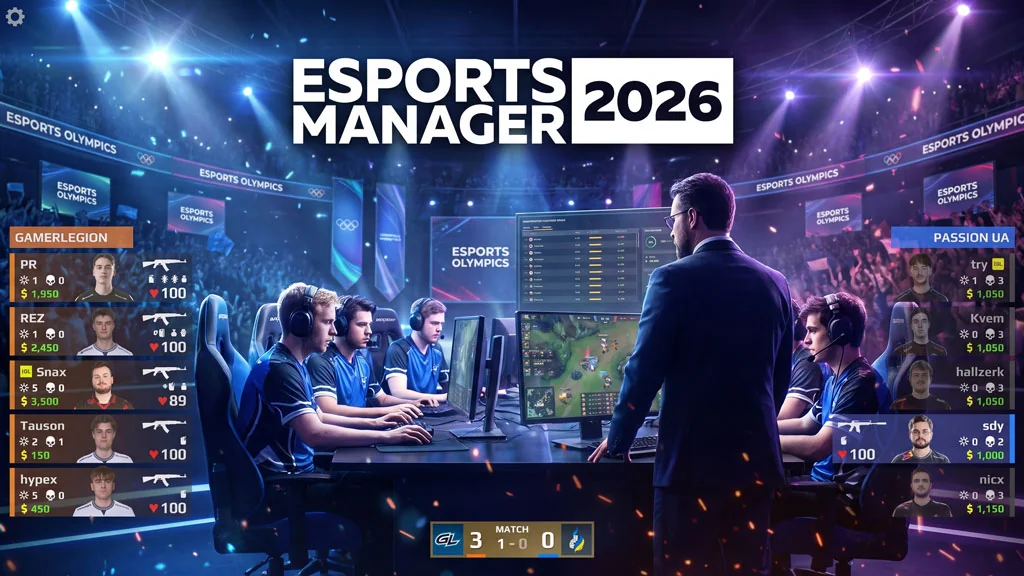
Esports Manager 2026 (v1.1.4.1)
Want a simulation game where you become an esports manager? The officially licensed Counter Strike one. Well… here it is, Esports Manager 2026 PC Full. A management simulation where you run a CS:2 (CS:GO) team. Build the roster, train your players, and compete in tournaments. Download link below. Pre-installed, just extract the file and play the game. 🔥
I have 900+ hours in CS:GO and 200+ in CS:2. Sometimes I watch the pro scene tournaments. Then I got curious, how does someone actually become an esports team manager? Well, this game right here. It gives you exactly that plot twist. Roster management, shot calling, player development, scouting talent, it is all in.
Unfortunately, some aspects feel complicated. Setting up play execution and reading player potential takes real game knowledge. Not recommended if you have never touched Counter Strike.
Go ahead, download below. This one is pre-installed v1.1.4.1, latest build as of July 2026. Rosters and tournaments are up to date. 2.6 GB total. 👍
If you like simulations that break the mold, also check Internet Cafe Simulator, a fun business sim. Into hardware simulators? PC Building Simulator 2 is great too, build a PC from scratch.
Esports Manager 2026 PC Game Info and Download Link :
- Genre: Simulation, Management, Strategy, Esports.
- Developer: Esports Games Ltd.
- Publisher: Esports Games Ltd.
- Release Date: 2025 (PC).
- Version: v1.1.6 Build 25009542.
- Pre-Installed, Start The Game.bat.
- Officially licensed CS:GO/CS2 roster.
Minimum System Requirements :
| Component | Minimum |
|---|---|
| Operating System | Windows 10 (64-bit) |
| Processor | Intel Core i5 / AMD Ryzen 5 |
| RAM | 8 GB |
| Storage | 4 GB |
PC Gameplay Screenshots :


Steps to Install Esports Manager 2026 on Your PC :
- Download the ESPMv1141.rar file (2.6 GB) via the link below.
- Extract the file using WinRAR or 7-Zip.
- Open the Esports Manager 2026 game folder.
- Run EsportsManager2026.exe.
- Done, jump straight in! 😍
Fixing Game Error, Crash and Stuck Issues :
- Game crashes at startup? Make sure the game folder is whitelisted in Windows Defender.
- Crashes during loading? Update DirectX Runtime and the latest Visual C++ Redistributable.
- Game won’t open? Run as Administrator and update Windows to the latest version.
- Stuttering and frame drops? Update your VGA Driver and turn off V-Sync.
- Loading into the game takes a while. Just be patient.
- Always extract the game at the Root Drive. For example C:\Games\ or D:\Games\.
